
For Windows 10 and 11
Download WispXP
The installer puts the WispXP app on your PC and the addon in your World of Warcraft: Forever folder.
Up and running in three steps
-
1
Install
Run WispXP-Setup.exe and pick your language.
-
2
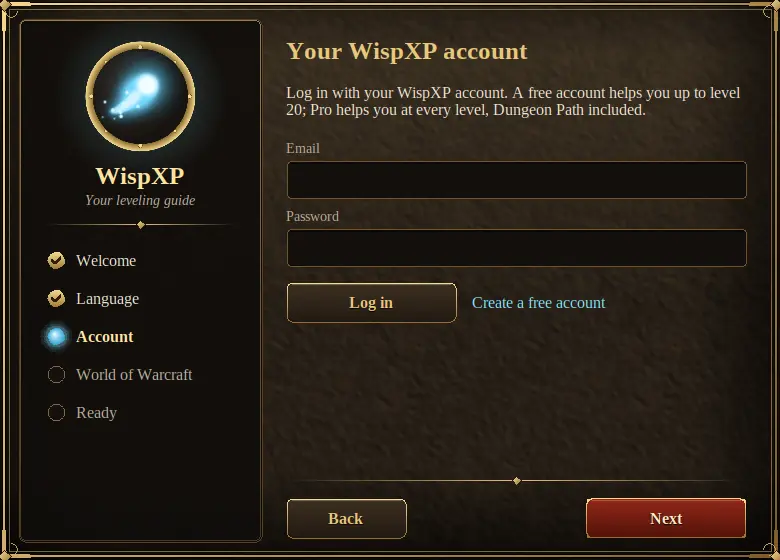
Log in
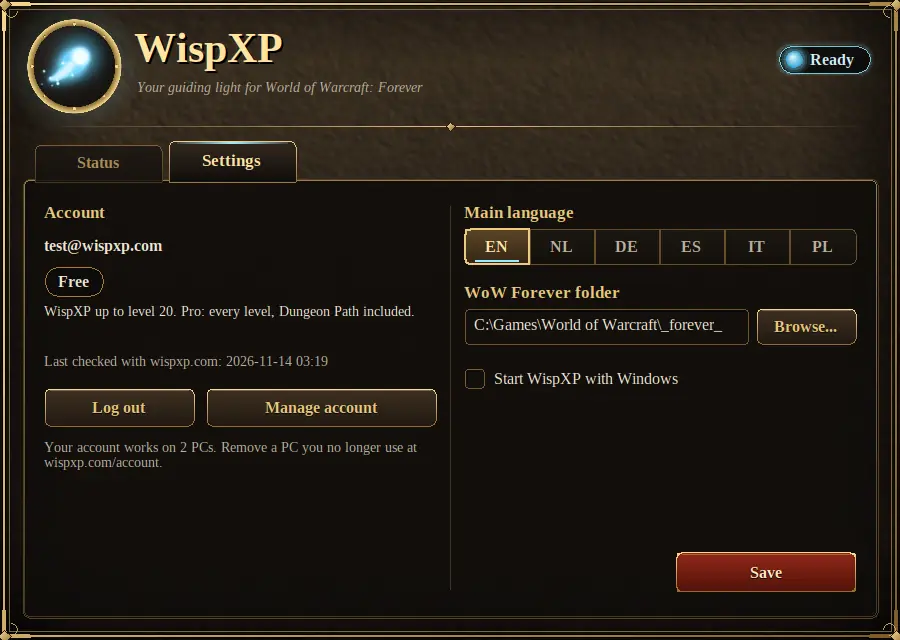
Log in with your WispXP account (create one for free). The app keeps your plan up to date.
-
3
Play
Start the game. WispXP is on your screen: press Continue leveling and follow the arrow.
Windows may warn that the installer is new and not yet widely downloaded. Choose "More info" and then "Run anyway" if you downloaded it from wispxp.com.